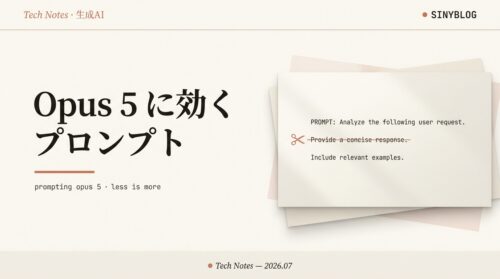
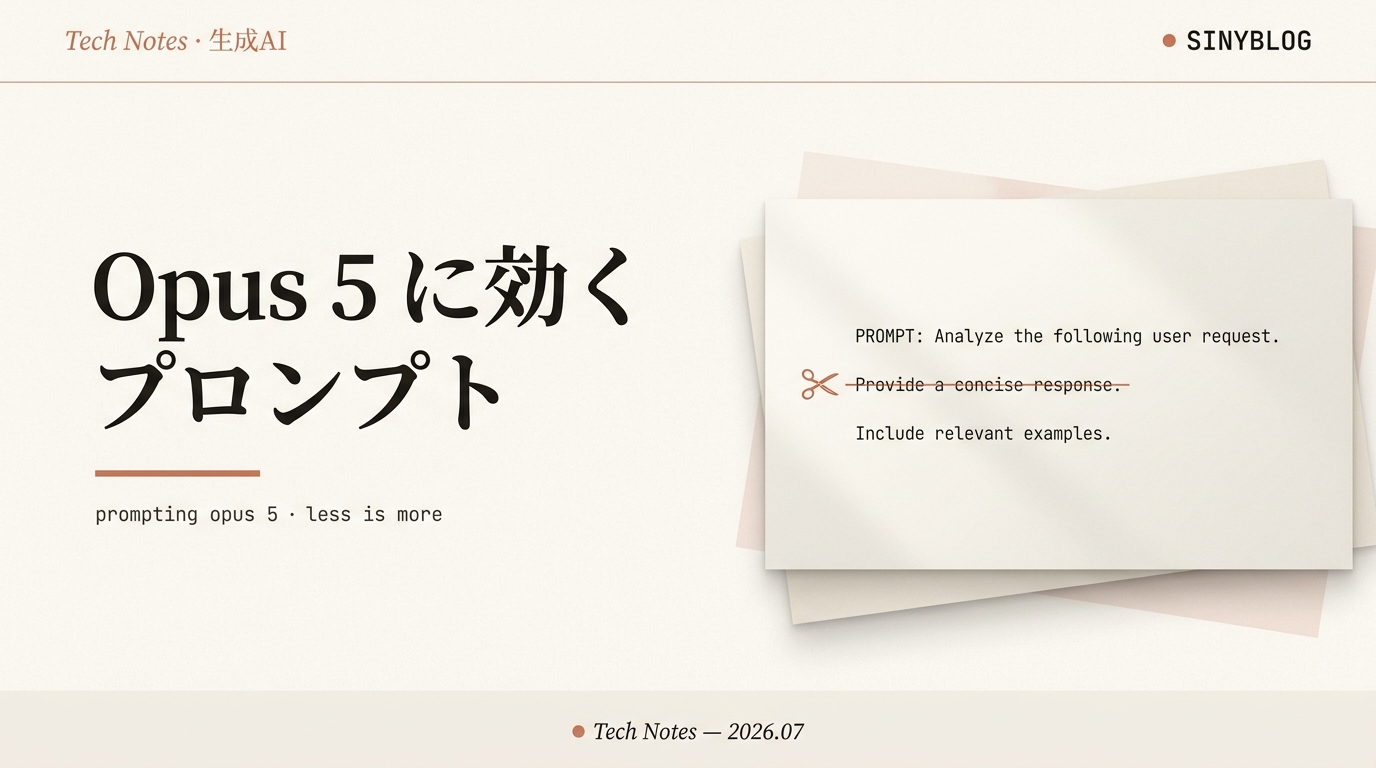
Claude Opus 5 に効くプロンプト徹底解説|「検証して」は削る・公式スニペット全文つき

目次
- 1 Opus 5 のプロンプトは「足し算」より「引き算」
- 1.1 user@sinyblog:~/article ❯ 01_digest.md90秒ダイジェスト:効くプロンプトの原則
- 1.2 user@sinyblog:~/article ❯ 02_baseline.md大前提:Opus 5 は「そのままで動く」
- 1.3 user@sinyblog:~/article ❯ 03_cut_verify.md今すぐ削る①:検証・ダブルチェック指示
- 1.4 user@sinyblog:~/article ❯ 04_scope.md今すぐ削る②:スコープを勝手に広げるクセ対策
- 1.5 user@sinyblog:~/article ❯ 05_concise.md書き足す①:簡潔さは effort でなく言葉で
- 1.6 user@sinyblog:~/article ❯ 06_narration.md書き足す②:作業中の実況(ナレーション)を整える
- 1.7 user@sinyblog:~/article ❯ 07_doc_length.md書き足す③:書き出すファイルの長さを縛る
- 1.8 user@sinyblog:~/article ❯ 08_subagent.md書き足す④:subagent の乱発を抑える
- 1.9 user@sinyblog:~/article ❯ 09_selfcorrect.md書き足す⑤:訂正の実況を最小化
- 1.10 user@sinyblog:~/article ❯ 10_thinking_off.mdthinking を切るときの2つの罠と対策
- 1.11 user@sinyblog:~/article ❯ 11_effort.mdeffort の回し方(コスト最大の武器)
- 1.12 user@sinyblog:~/article ❯ 12_byusecase.md用途別・効くプロンプト早見表
- 1.13 user@sinyblog:~/article ❯ 13_snippets.mdコピペ用スニペット集(全文)
- 1.14 user@sinyblog:~/article ❯ 99_summary.mdまとめ
Anthropic Official Guide · 2026
Opus 5 のプロンプトは「足し算」より「引き算」
Anthropic 公式「Prompting Claude Opus 5」を精読。結論は意外です。Opus 5 は旧モデルに書いていた「検証して」「ダブルチェックして」を勝手にやるので、その指示はむしろ邪魔。何を削り、何を書き足すかを、コピペできる具体例つきで解説します。読了目安 14分。
多くの人が「新モデルには新しい呪文が要る」と思いがちですが、Opus 5 の公式ガイドが最初に言うのは逆です。「既存の Opus 4.8 プロンプトのまま、そのままよく動く」。そのうえで調整が要るのは、Opus 5 が“気を利かせすぎる”クセに対してだけ[1]。本記事は公式ガイドを一次情報に、① 何を削るか ② 何を書き足すか を、そのまま貼れる英語スニペット付きで整理します。プロンプトは英語で書くと効きやすいので、推奨文はすべて原文のまま載せます。
-
0つ
今すぐ削るべき旧指示 -
0場面
書き足しが効く典型 -
0枚
コピペ用スニペット集
user@sinyblog:~/article ❯ 01_digest.md90秒ダイジェスト:効くプロンプトの原則
忙しい人向けに、公式ガイドの要点を先に[1]。
- まずは何も足さない。Opus 5 は既存の Opus 4.8 プロンプトのままでよく動く。
- 「検証して」「ダブルチェックして」は削る。Opus 5 は自分で検証・自己修正する。指示すると過剰検証してトークンを浪費する。
- 簡潔さは effort でなく言葉で指定。effort は「考える量」を変えるだけで、返答の長さは短くならない。
- 実況・訂正・スコープ拡大は明示的に抑える。Opus 5 はよく喋り、気を利かせて範囲を広げがち。
- subagent は絞る。放っておくと委譲しすぎてコストが増える。
- thinking はできるだけ切らない。切ると出力にツール呼び出しや内部タグが漏れることがある。低 effort で残すのが正解。
推奨プロンプトは公式ガイドの原文(英語)をそのまま掲載します。英語で書くほうが安定して効くためです。第13章にコピペ用スニペットを全文まとめました。
user@sinyblog:~/article ❯ 02_baseline.md大前提:Opus 5 は「そのままで動く」
公式ガイドの冒頭はこうです。「Claude Opus 5 は既存の Opus 4.8 プロンプトで、そのままよく動く」[1]。つまり移行のたびにプロンプトを全書き直しする必要はありません。
調整が要るのは、Opus 5 が旧モデルより賢くなったぶん“余計に気を利かせる”数か所だけ。具体的には「よく喋る(冗長)」「勝手に検証する」「範囲を広げる」「subagent を呼びたがる」「訂正を実況する」の5つのクセです。以降の章は、この5つへの対処を「削る/足す」で整理します。
新しい呪文より、古い足場を外す
旧モデル用のスキャフォールディング(検証ステップ等)はむしろ害になる
user@sinyblog:~/article ❯ 03_cut_verify.md今すぐ削る①:検証・ダブルチェック指示
最重要ポイントです。Opus 5 は指示なしで自分の作業を検証し、ミスを自己修正します。そこへ「検証ステップを入れて」「subagent で検証して」「答えを再確認して」と書くと、過剰検証になりトークンと時間を無駄にします。品質は上がりません[1]。
| ❌ 旧モデルで書いていた指示 | ✅ Opus 5 での対応 |
|---|---|
| 「非自明なタスクには必ず最終検証ステップを入れて」 | 削除(自分で検証する) |
| 「subagent を使って検証して」 | 削除(自己検証と二重になる) |
| 「答えをダブルチェック/再検証してから返して」 | 削除(自己修正するので冗長) |
Opus 5 は指示を文字どおり守ります。レビュー用プロンプトに「重大な問題だけ報告」「保守的に」と書くと、本当に報告数が減ります。レビューでは「すべて報告させ、フィルタは別パスで行う」のが正解。次のように書きます。
Report every issue you find, including low-confidence and
low-severity ones. Do not filter for importance here — a
separate pass will do that. Coverage matters more than
precision at this stage.user@sinyblog:~/article ❯ 04_scope.md今すぐ削る②:スコープを勝手に広げるクセ対策
Opus 5 は頼んでいないステップを足したり、タスクの意味を自分で解釈し直して範囲を広げたりすることがあります。狭い作業を頼むときは、範囲を明示的に固定しましょう[1]。公式の推奨文がそのまま使えます。
Deliver what was asked, at the scope intended. Make routine
judgment calls yourself, and check in only when different
readings of the request would lead to materially different
work. If the request seems mistaken or a better approach
exists, say so in a sentence and continue with the task as
asked rather than quietly narrowing, widening, or
transforming it. Finish the whole task, and stop short of
actions that are clearly beyond what was asked.ポイントは「勝手に狭める・広げる・別物に変える」を禁じつつ、ルーチンな判断は自分でやらせるバランス。全部聞き返されても困るので、「解釈で結果が大きく変わる時だけ確認して」と添えるのがコツです。
user@sinyblog:~/article ❯ 05_concise.md書き足す①:簡潔さは effort でなく言葉で
Opus 5 の返答は旧 Opus より長めです。ここで多くの人がハマる罠が「effort を下げれば短くなる」という誤解。effort は「どれだけ考えるか」を変えるだけで、見えている返答の長さは短くなりません[1]。短くしたいなら言葉で頼みます。
Keep responses focused, brief, and concise. Keep disclaimers
and caveats short, and spend most of the response on the main
answer. When asked to explain something, give a high-level
summary unless an in-depth explanation is specifically
requested.システムプロンプトが長い場合、上の指示に加えて末尾近くに短いリマインダーを置くと効きます。
<tone_preference>
Keep outputs reasonably concise.
</tone_preference>user@sinyblog:~/article ❯ 06_narration.md書き足す②:作業中の実況(ナレーション)を整える
Opus 5 はエージェント作業中に「今からこれをやります」とよく実況します。1メッセージあたりの出力も旧モデルより長め。うるさく感じるなら、実況の頻度と形を指定します[1]。
Before your first tool call, say in one sentence what you're
about to do. While working, give a brief update only when you
find something important or change direction. When you finish,
lead with the outcome: your first sentence should answer
"what happened" or "what did you find," with supporting detail
after it for readers who want it.逆に実況を増やしたい・スタイルを変えたいときも、同じレバーを逆に回すだけ。「やってほしい実況の例」を具体的に示すのが効きます。公式いわく、「やってほしいことの良い例」は「やるなという禁止」より効果的です。
user@sinyblog:~/article ❯ 07_doc_length.md書き足す③:書き出すファイルの長さを縛る
会話の冗長さとは別に、Opus 5 がディスクに書き出す成果物(レポート・Markdown・要約)も長くなりがちです。Claude が書いた文書をプロダクトに含めるなら、長さの基準を明示します[1]。
Match the length of written documents to what the task needs:
cover the substance, but do not pad with filler sections,
redundant summaries, or boilerplate.user@sinyblog:~/article ❯ 08_subagent.md書き足す④:subagent の乱発を抑える
Opus 5 は subagent(サブエージェント)への委譲を旧モデルより積極的に行います。大きく独立・並列化できる仕事では有効ですが、小さなタスクに使うとコストと時間が膨らみます。委譲の条件を明示するか、起動数に上限を設けましょう[1]。
Delegate to a subagent only for large tasks that are genuinely
independent and parallelizable, such as a wide multi-file
investigation. Do not delegate work you can finish yourself in
a handful of tool calls, and do not use subagents to verify or
double-check your own work. If one subagent can complete the
task, use one rather than several, and keep spawn counts low.user@sinyblog:~/article ❯ 09_selfcorrect.md書き足す⑤:訂正の実況を最小化
Opus 5 は自分の過去の発言を訂正する実況が旧モデルより多いです。開発中は良い性質ですが、ユーザー向け製品では「さっきのは間違いでした、正しくは…」が頻発すると鬱陶しい。ユーザーの判断に影響する訂正だけに絞らせます[1]。
Only correct an earlier statement when the error would change
the user's code, conclusions, or decisions. State corrections
plainly and briefly, then continue the task. For slips that
change nothing for the user, make the fix and move on without
noting it.user@sinyblog:~/article ❯ 10_thinking_off.mdthinking を切るときの2つの罠と対策
Opus 5 は思考(thinking)が既定でオン、切れるのは effort high 以下だけです。そして思考を切ると、見える出力に2種類のゴミが混じることがあります[1]。
- ツール呼び出しがテキストで漏れる。構造化された
tool_useブロックの代わりに、本文にツール呼び出しを書いてしまう。呼び出しは実行されず、履歴に残って後続ターンまで汚す。検索などツール多用で起きやすい。 - 内部XMLタグが漏れる。
<thinking>などの内部タグが本文に出る。システムプロンプトに「考えるな/推論するな」と書いてあると、むしろ漏れやすくなるので、その手のルールは削除する。
公式の第一推奨は思考を切らず、低 effort でコストを抑えること。多くのタスクで「thinking オン+low effort」は「thinking オフ」と同程度のコストで、より良い結果になります。
どうしても切る必要がある統合では、両方の罠を同時に抑えるひとつの組み合わせ指示が有効です。ツール前に一言喋る許可・合うツールが無いとき無理に呼ばない選択肢・内部タグ禁止をまとめて与えます。
When you use a tool, you may say a brief sentence first. If no
tool can express what the user asked for, say so instead of
guessing. Do not include internal or system XML tags in your
response.なお、タグを名指しで禁止する(「<thinking> を使うな」)より、上のような一般形のほうが効果的だと公式は明記しています。
user@sinyblog:~/article ❯ 11_effort.mdeffort の回し方(コスト最大の武器)
プロンプト文と並ぶ最大のレバーが effort(努力度)です。公式ガイダンスはシンプル[1]。
| effort | 使いどころ |
|---|---|
low / medium |
コストと速度の主コントロール。品質が保てる限り積極的に使う。トークンとレイテンシを大きく削減 |
high(既定) |
まずここから始める。迷ったら既定 |
xhigh |
難関のコーディング・エージェント作業に引き上げる |
前モデルの effort 設定をそのまま持ち込んでいるなら、自分の評価セットで effort スイープをやり直すこと。Opus 5 は低 effort でも品質が保たれやすく、low/medium を「品質が保てるところは積極的に」使うのがコスト最適です。
response = client.messages.create(
    model="claude-opus-5",
    max_tokens=64000,
    output_config={"effort": "low"},  # まず high で測り、下げられる所は下げる
    messages=[{"role": "user", "content": "..."}],
)user@sinyblog:~/article ❯ 12_byusecase.md用途別・効くプロンプト早見表
公式が挙げる Opus 5 の強みごとに、プロンプトのコツを1枚に[1]。
| 用途 | 効くプロンプトのコツ |
|---|---|
| 難関のエージェントコーディング | 完全な仕様を最初に一括で渡し、あとは走らせる。途中で小出しにしない |
| コードレビュー・バグ発見 | 「網羅して報告」させ、重要度フィルタは別パス。「重大だけ/保守的に」は書かない |
| ビジョン(図表・UI 再現) | 旧モデル用の回避策は外す。反復的に切り出し・検証できるツールを与えると最強(thinking より費用対効果が高い) |
| Office/文書(スプレッドシート・スライド) | 従うべきスタイルやテンプレを明示する |
| 長文脈(最大1Mトークン) | 窓全体で指示追従・ツール呼び出しが安定。長文をそのまま扱わせてよい |
| マルチエージェント | writer-verifier 型が有効。コスト重視なら委譲に上限(第8章) |
user@sinyblog:~/article ❯ 13_snippets.mdコピペ用スニペット集(全文)
用途に合わせて、必要なブロックだけシステムプロンプトに足してください。全部入れる必要はありません——困っているクセにだけ対処するのが Opus 5 流です。
# --- 簡潔さ(返答が長い時)---
Keep responses focused, brief, and concise. Keep disclaimers
and caveats short, and spend most of the response on the main
answer. When asked to explain something, give a high-level
summary unless an in-depth explanation is specifically requested.

# --- スコープ固定(範囲を広げる時)---
Deliver what was asked, at the scope intended. Make routine
judgment calls yourself, and check in only when different
readings of the request would lead to materially different work.
If the request seems mistaken or a better approach exists, say so
in a sentence and continue with the task as asked rather than
quietly narrowing, widening, or transforming it. Finish the whole
task, and stop short of actions that are clearly beyond what was asked.

# --- 実況を抑える(agent がうるさい時)---
Before your first tool call, say in one sentence what you're about
to do. While working, give a brief update only when you find
something important or change direction. When you finish, lead with
the outcome: your first sentence should answer "what happened" or
"what did you find," with supporting detail after it.

# --- 書き出し文書の長さ ---
Match the length of written documents to what the task needs: cover
the substance, but do not pad with filler sections, redundant
summaries, or boilerplate.

# --- subagent を絞る ---
Delegate to a subagent only for large tasks that are genuinely
independent and parallelizable. Do not delegate work you can finish
yourself in a handful of tool calls, and do not use subagents to
verify or double-check your own work. If one subagent can complete
the task, use one rather than several, and keep spawn counts low.

# --- 訂正の実況を絞る ---
Only correct an earlier statement when the error would change the
user's code, conclusions, or decisions. State corrections plainly
and briefly, then continue. For slips that change nothing, fix and
move on without noting it.

# --- thinking を切る場合のみ ---
When you use a tool, you may say a brief sentence first. If no tool
can express what the user asked for, say so instead of guessing. Do
not include internal or system XML tags in your response.足すスニペットより先に、旧プロンプトから「検証して」「ダブルチェックして」「必ず最終検証ステップを」を削除してください。Opus 5 ではこれらが過剰検証を招く最大の無駄です。
user@sinyblog:~/article ❯ 99_summary.mdまとめ
Opus 5 のプロンプト術は「新しい呪文を覚える」ではなく「賢くなったモデルに任せ、余計な足場を外す」ことに尽きます。
- まず削る。検証・ダブルチェック・最終検証ステップの指示は過剰検証の元。
- クセにだけ足す。冗長・実況・スコープ拡大・subagent乱発・訂正実況——困る所だけ、公式スニペットで抑える。
- effort で回す。既定 high から測り、品質が保てる所は low/medium へ。返答の長さは effort でなく言葉で縛る。
最初の一手は「既存プロンプトから検証系の指示を消して、そのまま Opus 5 で走らせ、必要になったクセだけ第13章のスニペットで抑える」。足すより引くほうが、Opus 5 では速く良い結果に着きます。